Most people who set out to build an online store skip straight to picking a platform and choosing a theme. That’s backwards, and it’s a big part of why so many new stores quietly fail within the first year.
Building a store that actually makes money starts with decisions most people rush past, what you’re selling, who you’re selling it to, and whether your store can even be found by the people (and increasingly, the AI agents) doing the shopping on their behalf.
This guide walks through how to build an impressive online store in 2026, in the order that actually matters, including the one thing almost no older ecommerce guide covers: how to prepare your store for AI shopping agents that are now browsing, comparing, and buying on behalf of real customers.
Whether you’re launching your first product or rebuilding a store that’s underperforming, the sequence below applies either way.
Start With a Real Business Plan, Not a Vibe
Running an online store is a real business, even when it starts as a side project. Before touching a platform or a theme, get clear answers to three questions: what exactly you’re selling, who’s actually going to buy it, and what your realistic margin looks like once fees, shipping, and returns are factored in.
Skipping this step doesn’t save time, it just moves the wasted time later, usually after you’ve already paid for a platform subscription and stocked inventory nobody wants.
A simple one-page plan covering your product, target customer, pricing, and first three marketing channels is enough to keep you from chasing every shiny idea that comes along in month two, and it gives you something concrete to check your decisions against every time a new “opportunity” shows up mid-build.
Sourcing Products: Suppliers, Samples, and Red Flags
You need products worth buying before anything else matters. Trade suppliers, wholesale marketplaces like Alibaba and Faire, and niche-specific supplier directories are all reasonable starting points, but the research doesn’t stop at finding a low price.
Always order samples before committing to a supplier. Stock photos and spec sheets hide a lot, fabric that feels cheap, plastic that looks different in person, colors that don’t match the listing.
A supplier unwilling to send a sample for a reasonable fee is a red flag worth taking seriously. Cross-check reviews and, where possible, talk to another buyer who’s worked with that supplier before, since supplier reliability affects your shipping times and return rates just as much as product quality does.
Pricing needs a second look beyond the unit cost too. Factor in minimum order quantities, shipping time from the supplier’s location, and how that lead time affects your ability to restock quickly once a product starts selling, a great product from a supplier with an eight-week restock cycle can quietly cap your growth just as much as a mediocre product ever could.
Choosing the Right Ecommerce Platform in 2026
This is the decision most people obsess over, and it matters, but less than people think, a well-run store on a decent platform outperforms a poorly-run store on the “best” one.
That said, the major options in 2026 do have real, practical differences worth understanding, and picking based on trend or hearsay instead of your actual priorities is one of the more expensive mistakes to walk back later, since migrating a live store between platforms is genuinely painful.
Shopify

Shopify remains the most popular dedicated ecommerce platform, and for good reason, it’s genuinely fast to launch, with built-in tools for design, inventory, and marketing that require no coding.
Its AI-assisted store-building tools have gotten considerably more capable, generating product listings and design suggestions from a simple prompt. The tradeoff is ongoing platform and transaction fees that scale with your sales volume, which matters more once you’re doing real revenue.
WooCommerce
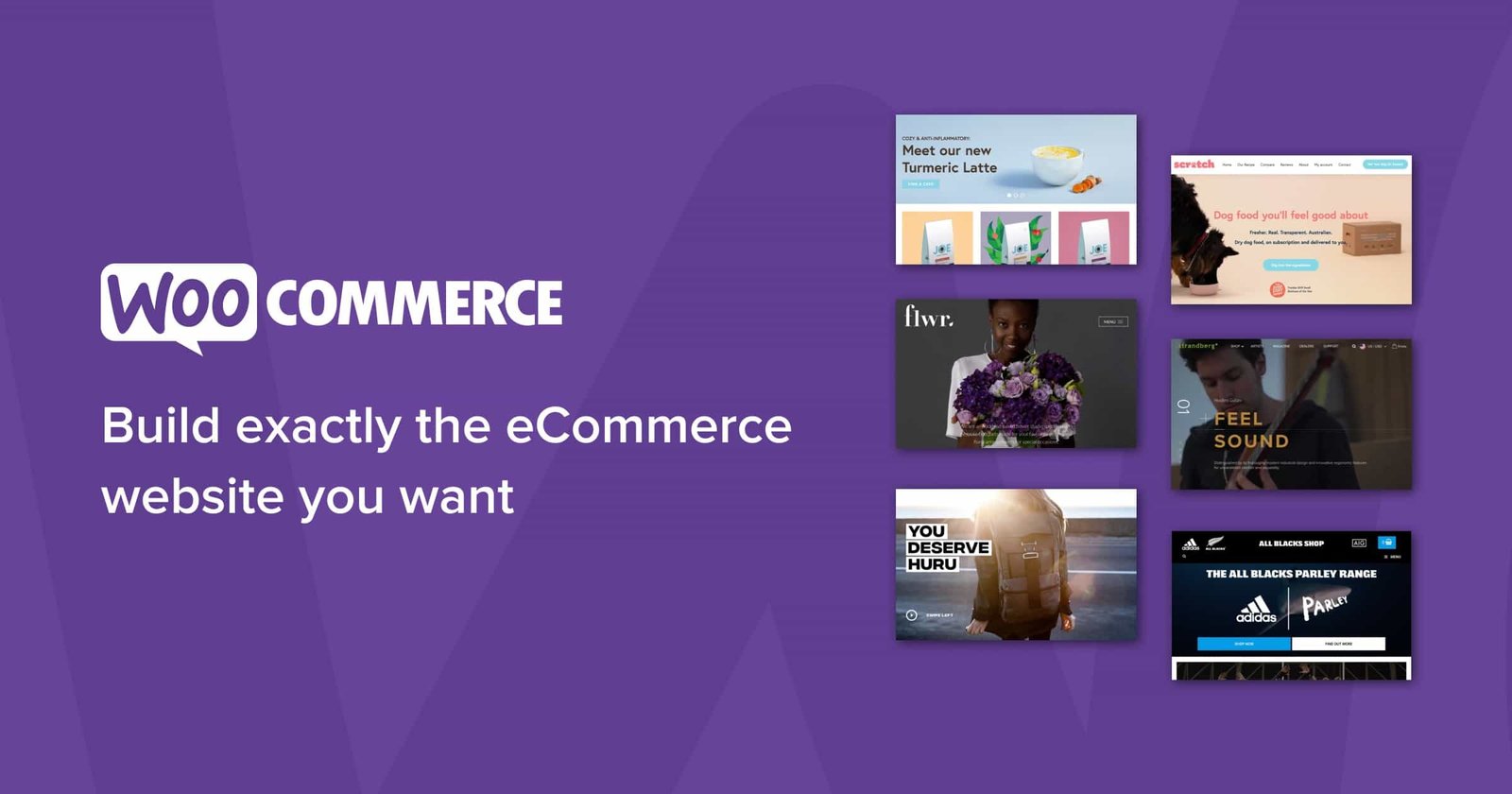
If you’re already running a WordPress site, or want the SEO and content-marketing advantages that come with one, WooCommerce is the natural choice. It’s a free plugin that turns an existing WordPress site into a full store, and because it’s open-source, you get far more control over customization than a hosted platform typically allows.
The tradeoff is more hands-on setup and hosting management, though this has gotten considerably easier with modern WooCommerce-optimized hosting providers built specifically to handle the extra load a store adds to a WordPress site.
BigCommerce, Wix, and Squarespace

BigCommerce fits businesses that expect to scale into enterprise territory, with strong built-in SEO and inventory tools out of the box. Wix and Squarespace both work well for smaller, design-focused stores, particularly service-based or creative businesses, where the ecommerce features matter less than an already-polished overall site.
Both have narrowed the feature gap with dedicated ecommerce platforms considerably in recent years, making them reasonable choices for simpler catalogs.
There’s no universal “best” platform here. If content marketing and long-term organic traffic are core to your strategy, WooCommerce’s WordPress foundation is hard to beat.
If you want the fastest possible path from zero to a working store with minimal technical overhead, Shopify remains the safer default. Either choice can work well, what matters more is picking one deliberately and sticking with it long enough to actually learn its strengths, rather than switching platforms every time a new feature announcement looks appealing.
DIY vs. Hiring a Pro to Build Your Store
Building it yourself saves money upfront and gives you full control, but it costs real time, time that might be better spent sourcing better products or building your first marketing channel. Hiring an agency or freelance developer costs more upfront but gets you a polished, functioning store faster, without the trial-and-error learning curve.
There’s no universally right answer here. A reasonable rule of thumb: if you’re comfortable with basic website tools and have more time than budget, DIY platforms like Shopify or WooCommerce with a solid theme get you most of the way there.
If you’re launching with real inventory investment and can’t afford weeks of technical delays, paying a professional to handle the build is often the cheaper option once you account for the value of your own time.
A middle path works well for a lot of first-time sellers: DIY the initial build using a platform’s built-in templates to keep costs low, then hire a freelancer for specific, well-defined tasks, custom theme tweaks, a properly configured checkout, or product schema implementation, rather than paying for a full custom build before you know whether the business itself is viable.
Payment Gateways and Checkout: Don’t Lose Sales Here
A confusing or limited checkout is one of the most common, fixable reasons stores lose sales after all the hard work of getting someone to the cart.
At minimum, support major credit and debit cards, a digital wallet option like PayPal or Apple Pay, and increasingly, a buy-now-pay-later option like Klarna or Afterpay for higher-priced items, all three cover the payment preferences of the large majority of online shoppers.
Stripe, Square, and PayPal remain the most widely used, trusted payment processors, and all three integrate cleanly with Shopify and WooCommerce without custom development work.
Whichever you choose, test the actual checkout flow yourself on both desktop and mobile before launch, a broken or clunky checkout on the device most of your customers are actually using will quietly cap your conversion rate no matter how good everything before it looks.
Guest checkout deserves specific attention here. Forcing account creation before purchase is one of the more common, avoidable ways stores lose otherwise-ready buyers, offering a fast guest checkout option, with account creation as an easy post-purchase choice rather than a gate, consistently improves completion rates without sacrificing the customer data you actually need for follow-up marketing.
Product Pages That Actually Convert
Generic descriptions and low-quality photos are one of the fastest ways to lose a sale that was otherwise ready to happen.
Specific, honest product copy that answers real pre-purchase questions, sizing, materials, what’s included, how it compares to similar options, consistently outperforms vague marketing language, and it doesn’t require hiring an expensive copywriter to get right if you genuinely understand your product and your customer well enough to anticipate their actual questions.
Photography matters just as much. Clear, well-lit images from multiple angles build trust faster than almost anything else on the page, and video, even simple phone-shot demo footage, measurably increases buyer confidence for products people would normally want to see in person before buying.
You don’t need a professional videographer to start; a clean, well-lit smartphone video of the product in actual use beats a polished but generic stock-style video.
Consistency across the catalog matters more than perfection on any single page. A store with 200 mediocre-but-consistent product pages will generally outperform a store with 20 beautifully crafted pages and 180 neglected ones, simply because customers browsing multiple categories notice the inconsistency and it quietly erodes trust in the whole store.
Building SEO Into Your Store From Day One

A common mistake with new stores is treating SEO as something to think about after launch. By then, you’re often rebuilding URL structures and rewriting product copy that should have been right from the start, which wastes time and can cost you rankings you’d already started earning.
Basic groundwork worth doing before your first product goes live: clean, readable URLs for every product and category page, unique meta titles and descriptions rather than platform-generated defaults, and a category structure that actually matches how customers search rather than how your inventory is organized internally.
If you’re on WooCommerce, this is also the point where installing an SEO plugin like Rank Math pays off immediately, since it catches missing metadata and structured data issues before they pile up across dozens of product pages.
Content marketing is worth planning for early too, even if you don’t publish anything until after launch. A blog covering genuine buying guides, comparisons, and how-to content in your niche builds the kind of organic traffic a pure product catalog never will on its own, and it gives you a place to naturally build the topical authority that both traditional search and AI answer engines increasingly reward.
Preparing Your Store for AI Shopping Agents
This is the part most older “how to build an online store” guides miss entirely, and it’s becoming a real factor in 2026.
Shopping increasingly starts inside AI tools rather than a search engine or your homepage, ChatGPT Shopping, Google’s AI Mode, and Perplexity’s shopping features are all now recommending products and, in a growing number of cases, completing purchases through open commerce protocols rather than a person browsing your site directly.
A store built with only human visitors in mind is already missing part of the picture.
What this means practically for a new store: clean, accurate, structured product data matters more than ever. AI shopping agents parse structured data, Product schema, accurate pricing, availability, and specifications, rather than judging your homepage design the way a human visitor does.
A store with messy or missing product schema is effectively invisible to an AI agent evaluating options on a shopper’s behalf, no matter how good the store looks to a human, and this gap is only going to widen as agentic shopping tools mature further through 2026 and beyond.
The practical takeaway for a new store in 2026: implement Product schema markup from day one, keep pricing and inventory data accurate and current, and write product descriptions with the same specific, factual clarity you’d want a human comparison shopper to see, because increasingly, an AI agent is reading that same description on the shopper’s behalf before a human ever sees your page.
Pairing this with the keyword-research habits covered in our Amazon SEO guide gives you a head start, since both disciplines reward the same clear, specific, structured approach to product content.
This doesn’t mean redesigning your entire store around AI agents at the expense of human visitors, the two priorities overlap more than they conflict.
Clear, accurate, well-structured product information helps a human shopper make a faster decision too. Treat AI agent readiness as a natural extension of doing product data well, not a separate project competing for your attention, and you’ll end up serving both audiences without extra work.
Online Store Launch Checklist for 2026
- One-page business plan covering product, customer, and realistic margins
- Suppliers vetted and samples ordered before committing to inventory
- Ecommerce platform chosen based on your actual priorities, not hype
- Checkout tested on both desktop and mobile before launch
- At least three payment options live, including a digital wallet
- Product pages written with specific, honest detail, not generic copy
- Real photos and at least basic video for top products
- Product schema markup implemented for AI shopping agent visibility
- Return and shipping policies clearly stated before launch, not added later
- Analytics and conversion tracking set up before your first sale, not after
Common Mistakes That Kill New Online Stores
Skipping the business plan and jumping straight to platform selection. Without clear answers on product, customer, and margin, it’s easy to build a technically polished store around a business that was never going to work.
Trusting supplier photos without ordering samples. A cheap product that looks fine in a listing photo becomes a return-rate problem the moment it ships to a real customer.
Picking a platform based on what’s trendy rather than what fits. WooCommerce and Shopify solve different problems well — the right choice depends on your actual priorities, not which one had the loudest marketing this year.
Under-investing in product pages. A store can have excellent products and still underperform badly if the pages describing them are vague, generic, or built around low-quality photos.
Ignoring structured data entirely. As AI shopping agents take on more of the discovery and comparison work, a store without clean product schema is quietly losing visibility it doesn’t even know it’s missing.
Treating SEO as an afterthought. Fixing URL structures and rewriting metadata after launch costs far more time than building them correctly from day one, and any early rankings built on a messy structure often have to be earned again after a cleanup.
A great-looking store still needs to be found, run through our ecommerce SEO checklist once your design is in place to make sure it’s built to rank.
A Real-World Scenario
A first-time seller launched a small home goods store on a platform chosen because a friend recommended it, without checking whether it actually fit a content-marketing-driven strategy. Product photos were serviceable but generic, descriptions were copied nearly word-for-word from the supplier’s listing, and there was no schema markup on any product page.
Traffic came in slowly through paid ads, but conversion rates stayed disappointing despite decent ad spend and a genuinely good product lineup.
After switching to WooCommerce to align with a blog-driven SEO strategy, rewriting product descriptions with specific, honest detail pulled from actually using the products, and adding Product schema across the catalog, both organic traffic and AI-agent-referred visibility improved over the following months, the store started showing up in AI-generated shopping comparisons it had never appeared in before.
Nothing about the underlying products changed. The difference was building the store around a real strategy instead of a platform recommendation and generic copy, an approach covered in more depth in our affiliate marketing strategies guide.
The seller also found that the highest-converting traffic came from long-tail blog content answering specific buying questions, not the paid ads that had been the original plan.
That shift alone changed where future marketing budget went, and it wouldn’t have been visible without proper analytics set up before launch, underscoring why tracking belongs on the pre-launch checklist rather than something to configure later once traffic is already flowing.
Frequently Asked Questions
What’s the best ecommerce platform for beginners in 2026? Shopify remains the fastest path from zero to a working store with minimal technical setup. WooCommerce is the stronger choice if you’re building on WordPress and want long-term SEO and content-marketing advantages, since it integrates directly with your existing site and blog rather than living as a separate, disconnected platform.
How much does it cost to build an online store in 2026? Costs vary widely based on platform fees, theme customization, and whether you hire help.
A DIY WooCommerce or Shopify store can launch for a modest monthly fee plus hosting, while hiring an agency for a fully custom build typically costs considerably more upfront but saves setup time and reduces the risk of a slow, error-prone launch.
Do I need a business plan before building an online store? Yes. A simple one-page plan covering your product, target customer, and realistic margins prevents the most common early mistake, building a polished store around a business idea that was never going to be profitable no matter how good the execution was.
What payment methods should my online store support? At minimum, major credit and debit cards, a digital wallet option like PayPal or Apple Pay, and a buy-now-pay-later option like Klarna or Afterpay for higher-priced items. Together these cover the payment preferences of the large majority of online shoppers.
How do AI shopping agents affect online stores in 2026? AI tools like ChatGPT Shopping, Google’s AI Mode, and Perplexity increasingly research, compare, and in some cases complete purchases on a shopper’s behalf.
Stores with clean, accurate Product schema markup are far more likely to be surfaced and recommended by these systems than stores without structured data, and this gap is expected to widen as agentic commerce protocols mature further.
Should I build my store myself or hire a professional? It depends on your time versus budget. DIY works well if you’re comfortable with basic website tools and have more time than money.
Hiring a professional costs more upfront but gets you a polished, working store faster, which can be worth it if you’re already investing in inventory and can’t afford a slow, trial-and-error launch.
How important is SEO for a new online store? Very. Building clean URLs, unique metadata, and a genuine content strategy from launch avoids the costly rework of fixing SEO fundamentals after the fact, and content marketing remains one of the most reliable ways to build organic traffic that doesn’t depend entirely on paid ads.
